Just Volleyball Guides Hub
Controls, serves, spikes, blocks, beginner tips, and multiplayer for 1v1–6v6.
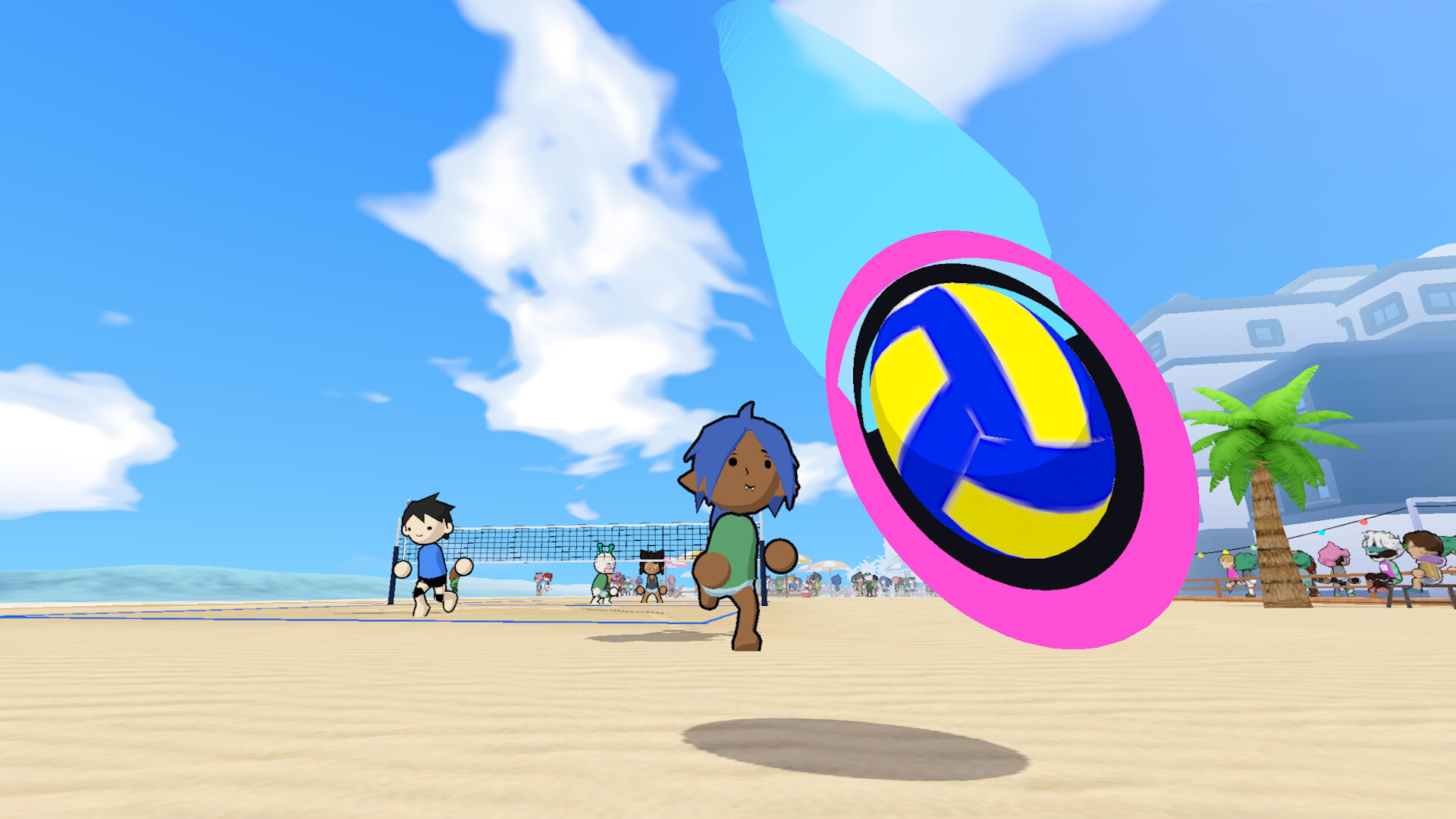
Welcome to the Just Volleyball Guides Hub. This page is the map for every how-to on the wiki: first-hour basics, keybinds, serve and spike technique, block and dive defense, beginner rally habits, and multiplayer lobbies. Just Volleyball is temkosoft’s arcade volleyball game on Steam (app 5037200), now past a 100K-copy launch week. Matches run from cozy 1v1 duels to chaotic 6v6, and every touch follows your mouse cursor. If you are brand new, start with Getting Started and Beginner Tips, then drill Controls until aiming feels automatic.
What these guides cover
Arcade volleyball rewards clean first touches more than raw button mashing. The pages linked here teach the systems that decide rallies:
- Cursor aiming so receive, set, serve, and spike all land where you intend
- Three-contact rules, consecutive-touch exceptions in 1v1, and when a block does not count
- Shared stamina across sprint, dive, and power jumps
- Standing, jump, curve, float, power, nuke/fast, and rocket-style serves
- Charged spikes, directional modifiers, and tip cover after every swing
- Block timing, soft blocks, and dive budgets
- Custom lobby codes, friends, bots, split-screen, and Steam Remote Play Together
Use the Codes hub when character strings appear, the Tier List when you compare roles, Players for Locker and Photo Studio, Tools for achievements and setup, and Updates for launch milestones and patches.
Recommended reading order
- Getting Started — Launch the game, finish tutorial beats, learn three-touch structure, and play bot or 2v2 matches before chasing flashy spikes.
- Beginner Tips — Ten habits for early aim, stamina, mode choice, tip cover, and first-week practice.
- Controls — WASD, mouse aim, sprint, strafe, jump charge, LMB receive/spike, RMB dive/block, E set, cameras. Rebinds live on the profile settings tab.
- How to Serve — Standing through jump, curve, float, power, and faster nuke/rocket tech.
- How to Spike — Charged jumps, W power, A/D curve, approaches, and pairing with blocks.
- Block & Dive — Net timing, soft blocks, dive stamina, and covering tips.
- Multiplayer — Lobby codes, friends, bots, split-screen, Remote Play Together.
PC navigation shows up to eight children under Guides; open this hub whenever you need the full list.
How to practice efficiently
Spend your first sessions on reception quality. Point the cursor at a teammate or a safe landing zone before you click. A controlled bump that keeps the ball playable beats a panicked dive that empties stamina. Dive costs about forty percent of the bar; empty dives knock you down roughly two seconds. Sprint and strafe cannot run together.
Once receives are stable, serve for ten minutes in bots. Standing trains aim; jump adds pace; curve and float deceive; power and nuke/rocket variants come last. Apply the same discipline to spikes and blocks: land the jump and cover the tip before you chase highlight stuffs.
Modes and match flow
Start in 2v2 for the best balance of space and teamwork. 1v1 teaches consecutive touches. Larger formats through 6v6 demand role discipline within three contacts. Net contact is allowed; crossing into the opponent’s court is a fault. Blocks do not consume a team contact.
Community and updates
Official discussion lives on Discord at discord.gg/kKT98kf2wV. Steam news feeds the Updates hub, including Launch Milestones for the 50K/100K sales posts. When a patch changes stamina, serve windows, or controllers, re-check the linked technique pages.
Quick links
- Getting Started · Beginner Tips
- Controls · How to Serve
- How to Spike · Block & Dive
- Multiplayer
- Codes · Tier List · Players · Tools · Updates
Bookmark this hub, work through the child guides in order, then return before party nights. Clean aim, smart stamina, tip cover, and intentional serves win more matches than highlight-reel swings alone.
Frequently Asked Questions
Quick answers for the court.
Where should a brand-new Just Volleyball player start?
Open Getting Started for rules and first matches, then Controls for keybinds. Practice standing serves before jump serves, and play 2v2 with bots or friends until cursor aiming feels natural.
Do these guides apply to every mode from 1v1 to 6v6?
Yes. Core aiming, stamina, serve, and spike systems are shared. Contact rules change slightly in 1v1 because consecutive touches are allowed; larger modes need stricter role discipline within three contacts.
Are the guide videos required?
No. Each technique page that includes a video places one real YouTube embed mid-article. You can learn from the written steps alone, then watch the clip to see timing and cursor placement.
How often should I revisit this hub after a patch?
Check Updates after major patches, then re-read Serve or Spike if timing windows or stamina costs change. Controls only need a revisit when default binds or the rebind menu move.